Welcome to our NAS (Network Attached Storage) solutions page. We provide powerful, secure, and scalable storage options for homes, small businesses, and enterprises.
What is NAS?
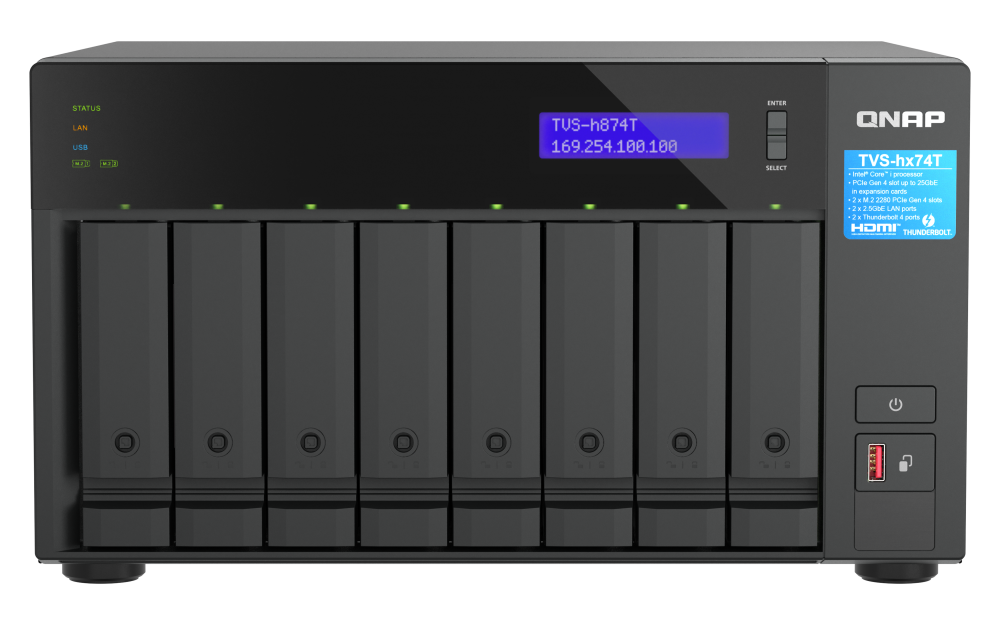
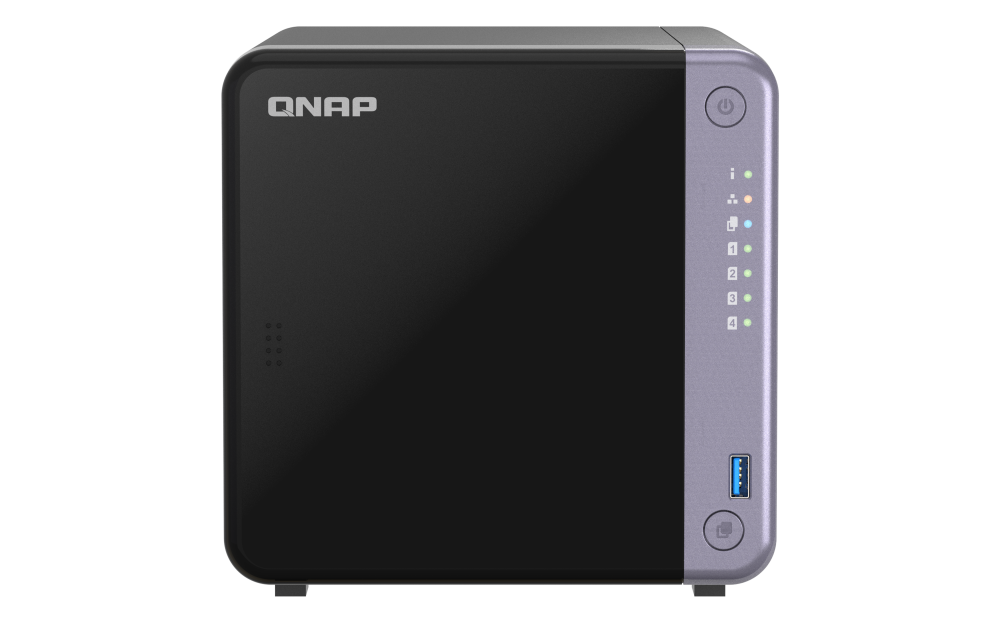
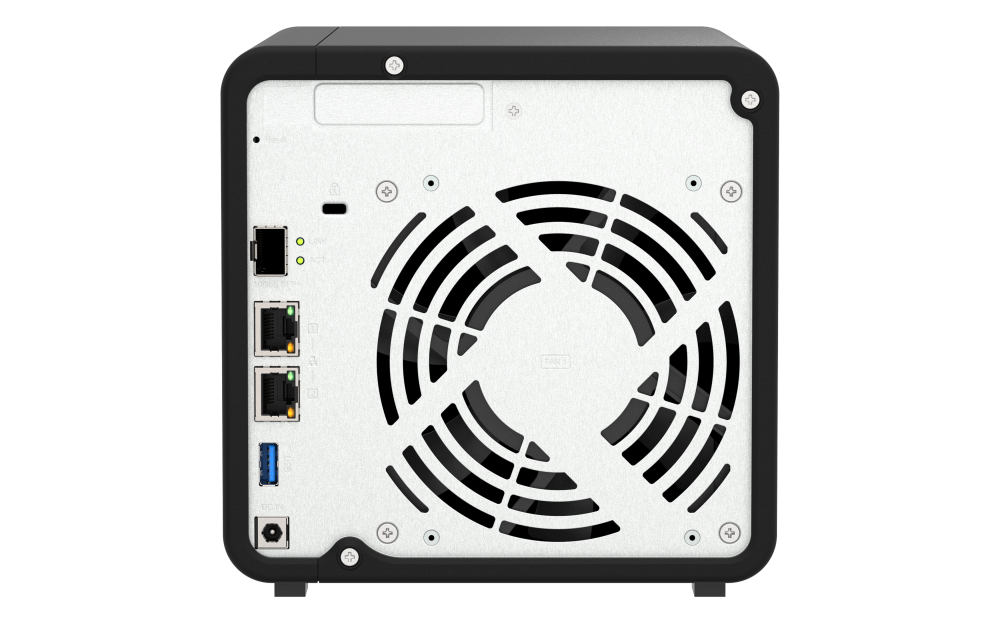
NAS stands for Network Attached Storage. It is a storage device (like a hard drive) that is connected to a network — so multiple people and computers can store, access, and share files from one central place.
In Simple Words?
NAS is like a shared folder for your whole office or home, but instead of being on one computer, it’s on a dedicated storage box that everyone on the same network (or even remotely) can access.
How It Works
The NAS device connects to your Wi-Fi router or network switch.
It contains one or more hard drives to store data.
Users on the network can access files through their computers, phones, or tablets.
It can also back up data automatically and keep copies safe using RAID (data protection system).
Example of NAS
Imagine your company has 10 employees:
Everyone needs to save and share project files.
Instead of emailing files or using USB drives, all employees store their files on the NAS.
Anyone with permission can access them anytime — even from home.
Key Features of NAS
Feature
Description
Central Storage
All files kept in one place
Network Access
Shared over local network or internet
Data Protection
Often includes RAID for backup safety
Multi-User Access
Many users can access files at once
Remote Access
Access files from anywhere securely
Why Do Offices Need NAS?
A NAS (Network Attached Storage) is like a central storage system for an office. It allows everyone in the company to store, share, and back up files safely over the office network — instead of keeping them on personal computers.
Benefits of NAS in an Office?
💼 Feature
🌟 Benefit
1. Centralized Storage
All company data (documents, photos, projects) is stored in one secure location. Easier to manage than files spread across many PCs.
2. Easy File Sharing
Employees can share and access files instantly from their computers without USB drives or emails.
3. Data Backup & Recovery
NAS can automatically back up all computers in the office. If someone deletes or loses a file, it can be restored easily.
4. Data Security
Access can be controlled — only authorized users can view or edit files. Many NAS systems offer encryption and RAID protection (to prevent data loss if a drive fails).
5. Remote Access (Private Cloud)
Staff can securely access office files from home or while traveling, just like a private version of Google Drive.
6. Scalability (Expandable Storage)
If the company needs more space, you can simply add more hard drives — no need to replace the whole system.
7. Cost-Effective
NAS is cheaper and easier to maintain than a full server or cloud subscription for every employee.
8. Collaboration
Multiple users can work on the same project or access shared folders in real-time.
Example
Imagine an office with 20 employees:
Without NAS → Each employee stores files on their own computer.
With NAS → Everyone saves work to the same NAS device. Managers can access all data, and backups happen automatically each night.
What Happens Without NAS?
Without NAS
Problems You Might Face
Files stored on individual PCs
Hard to find files if someone is absent or leaves the company
No central backup
High risk of data loss if a computer crashes
Sharing by USB or email
Time-consuming and less secure
No access control
Anyone might delete or change files accidentally
Limited collaboration
Hard for teams to work on shared projects
Difficult to scale
More employees = more storage chaos
Why Choose Our NAS Solutions?
Reliable performance and 24/7 uptime
Advanced RAID configurations for data protection
Easy-to-use web interface
Cost-effective storage for all sizes of organizations
Seamless integration with Windows, Linux, and macOS
Popular Use Cases
Small business file sharing
CCTV video storage
Home media server
Cloud sync and hybrid cloud storage
Virtual machine storage
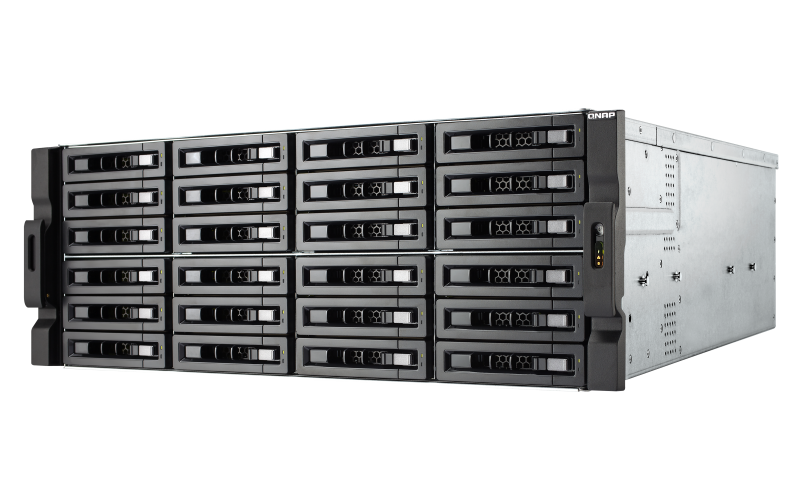
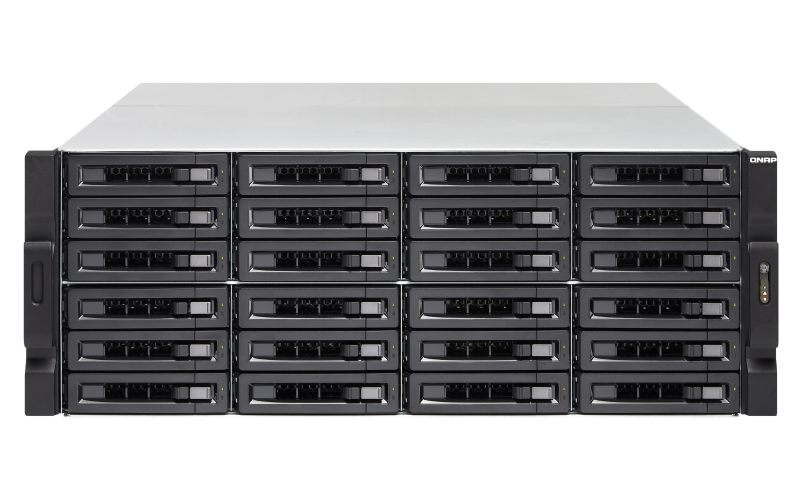
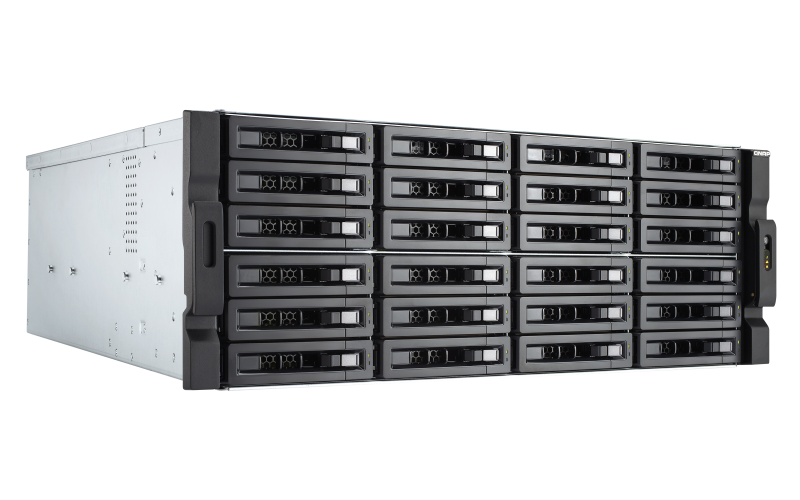
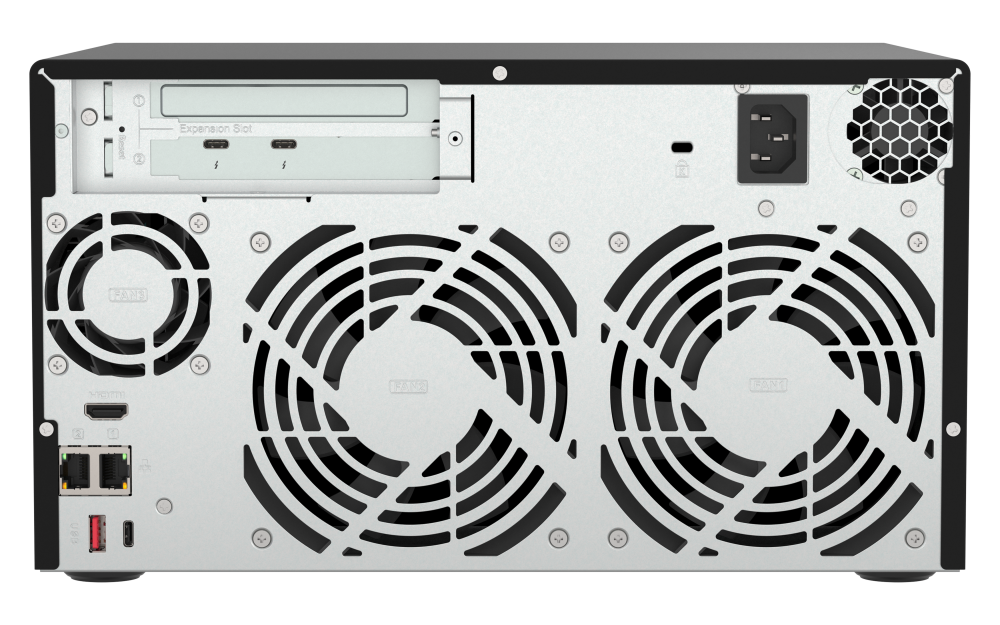
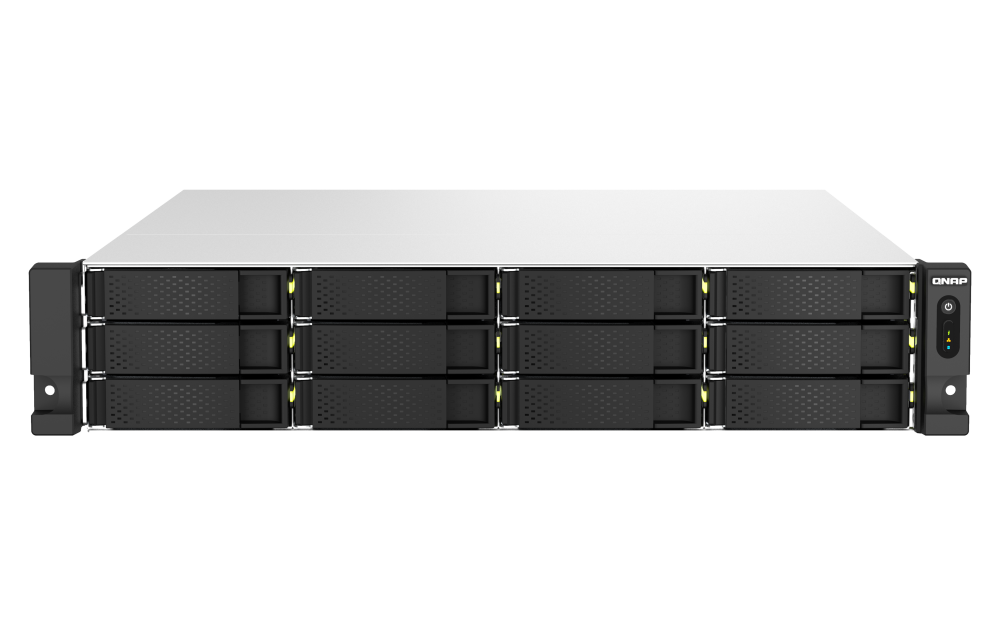
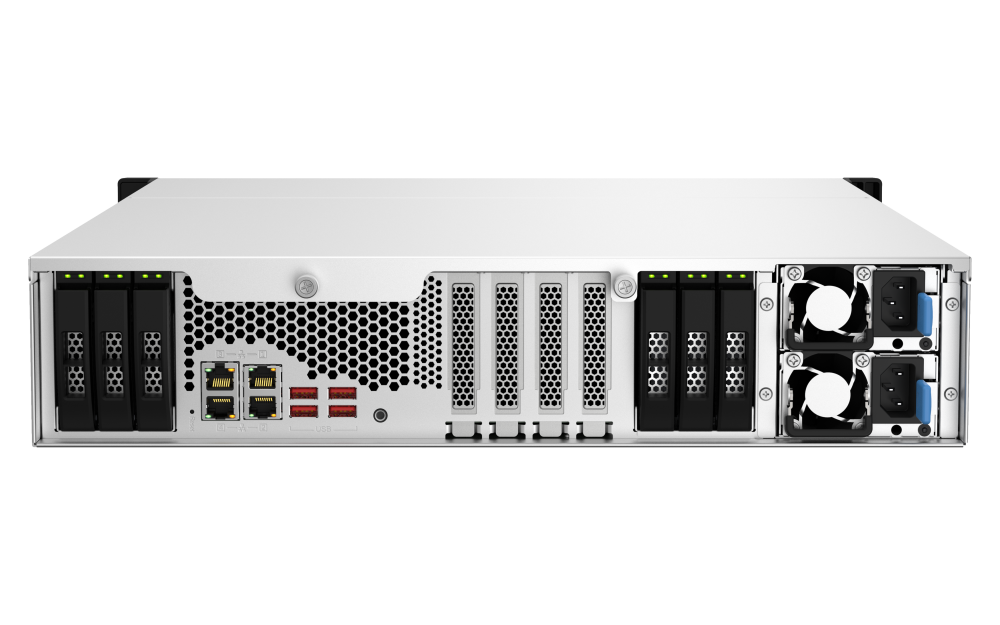
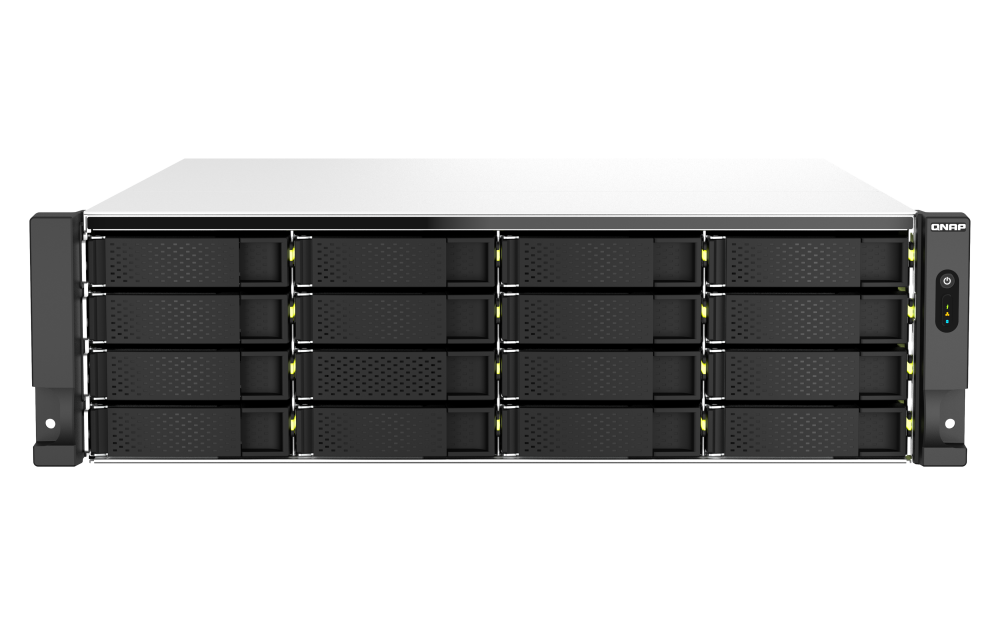
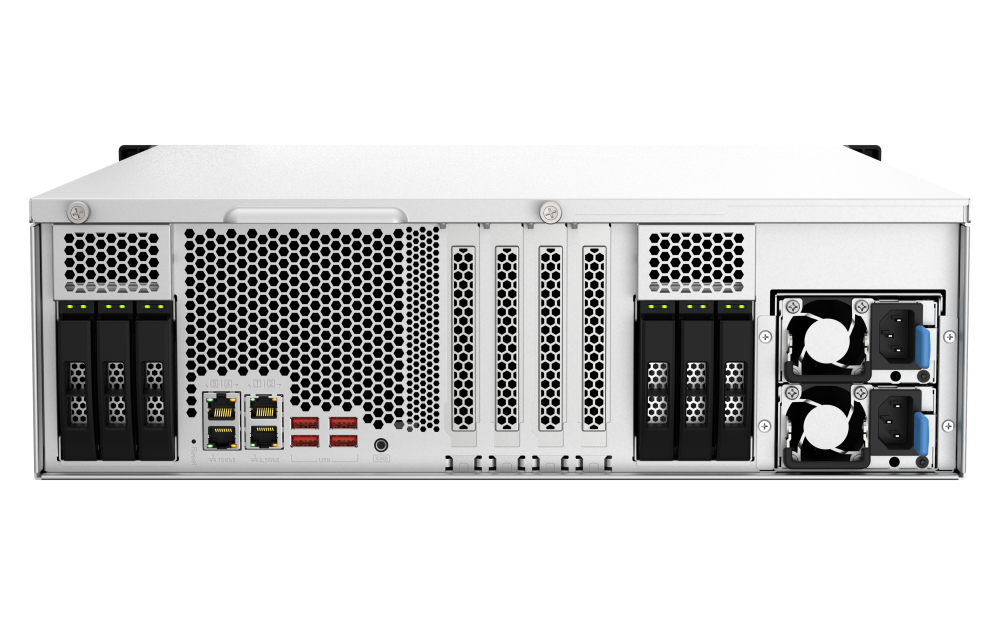
High End NAS Server QNAP TS 2483XU-RP
Server-grade Intel® Xeon® E processor and ECC memory for high performance and reliability!
24 Bay 4U Rack Mount Network Attached Storage
Intel Xeon E-2124 quad-core 3.3 GHz processor (burst up to 4.3 GHz)
16 GB UDIMM DDR4 ECC RAM Max 128GB RAM
24 x 3.5-inch SATA 6Gb/s, 3Gb/s
4 x GbE LAN , 2 x 10GbE SFP+ LAN.
The Intel® Xeon® E based TS-2483XU-RP enterprise NAS with up to 64 GB DDR4 ECC (Error Correcting Code) memory delivers server-grade performance with dependable reliability. It features 10GbE SmartNIC controllers that not only fulfill bandwidth-demanding applications but also support iSER to offload CPU workloads with boosted virtualization performance, while PCIe expansion allows for installing graphics cards to empower video surveillance, virtualization and AI applications. The performance-driven TS-2483XU-RP provides you with advanced business-ready features, including software-defined SSD extra over-provisioning, software-defined networking & virtual switch, and much more.
DDR4 ECC memory detects and then corrects single-bit memory errors, demonstrating high reliability for crucial applications.
Two 10GbE SFP+ SmartNIC ports with iSER support accelerate large file sharing, intensive data transfer, and VMware virtualization applications.
PCIe expandability allows for graphics cards or 40GbE/ 25GbE/ 10GbE adapters to increase application performance.
Supports VMware®, Citrix®, Microsoft® Hyper-V® and Windows Server® 2016 virtualization with reliability and cost-efficiency.
Software-defined SSD extra over-provisioning combats write amplification and optimizes SSD random write speeds for IOPS-demanding applications.
Comprehensive security management, providing a security portal for your NAS and helping you to stay informed of NAS status at all times.
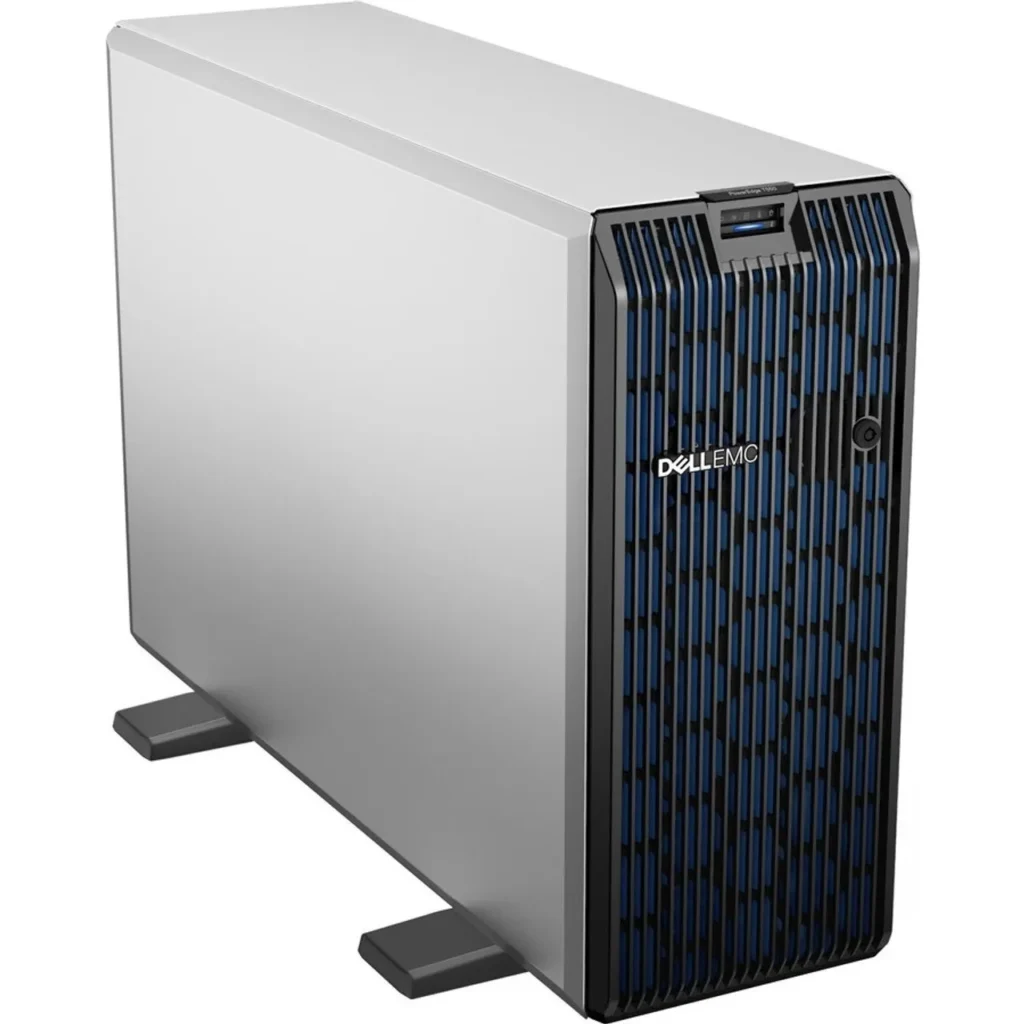
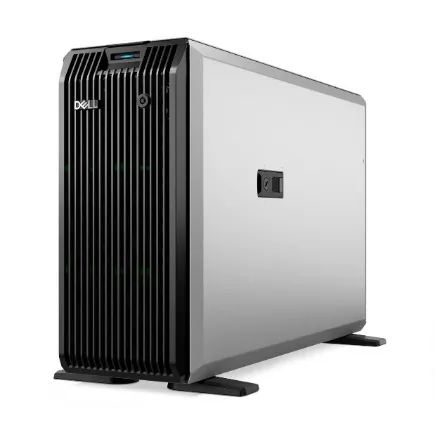
Dell PowerEdge T550 Tower Server
Dell PowerEdge T360 Tower Server
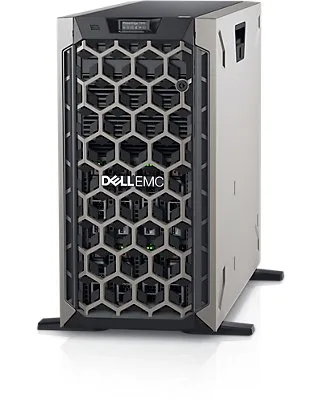
DELL POWEREDGE T440 SILVER
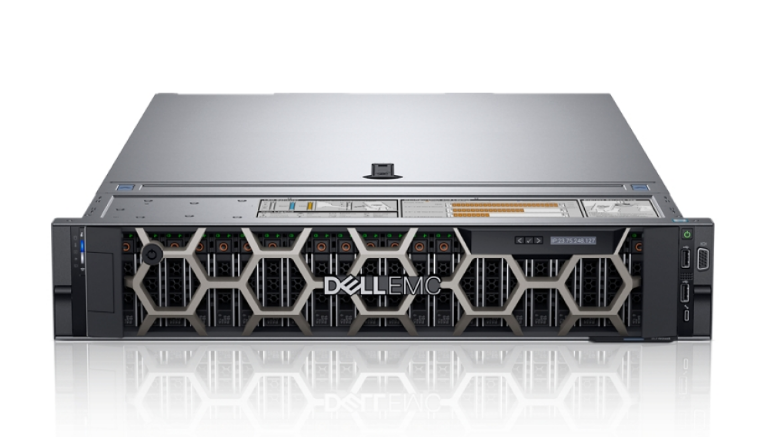
Dell PowerEdge R760XS Rack Server
consult now
For more information about Networking or to install a Router, Switch, Firewall,etc in your company, contact us now by calling or emailing us by pressing the button below. We are ready to help you.