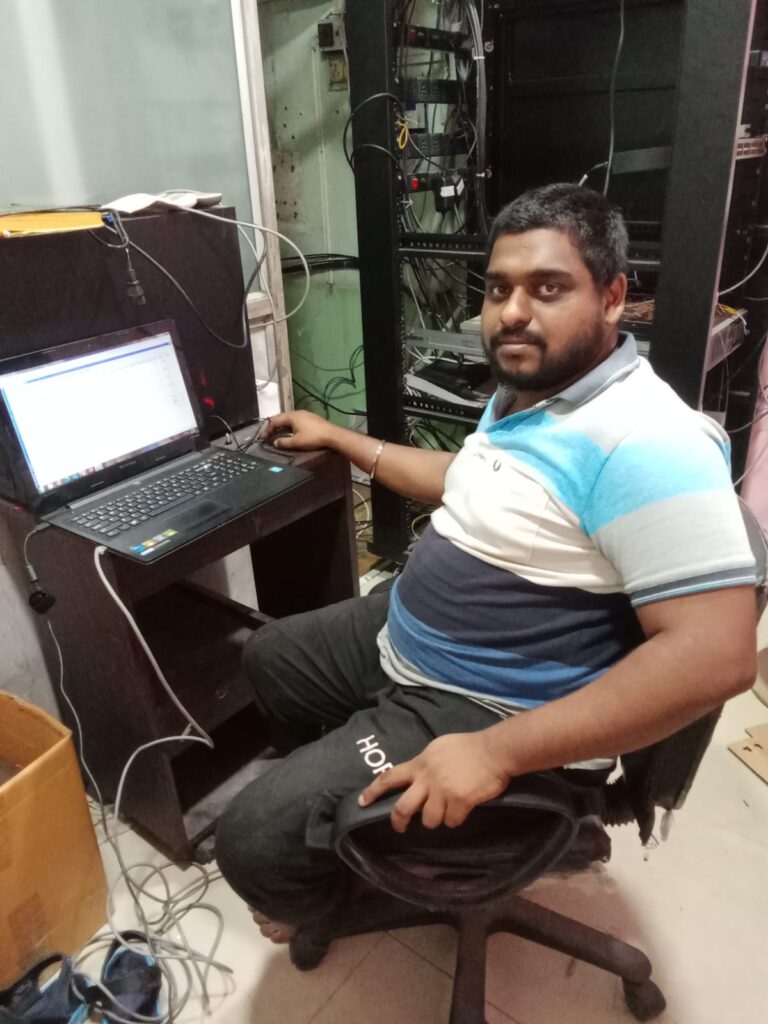
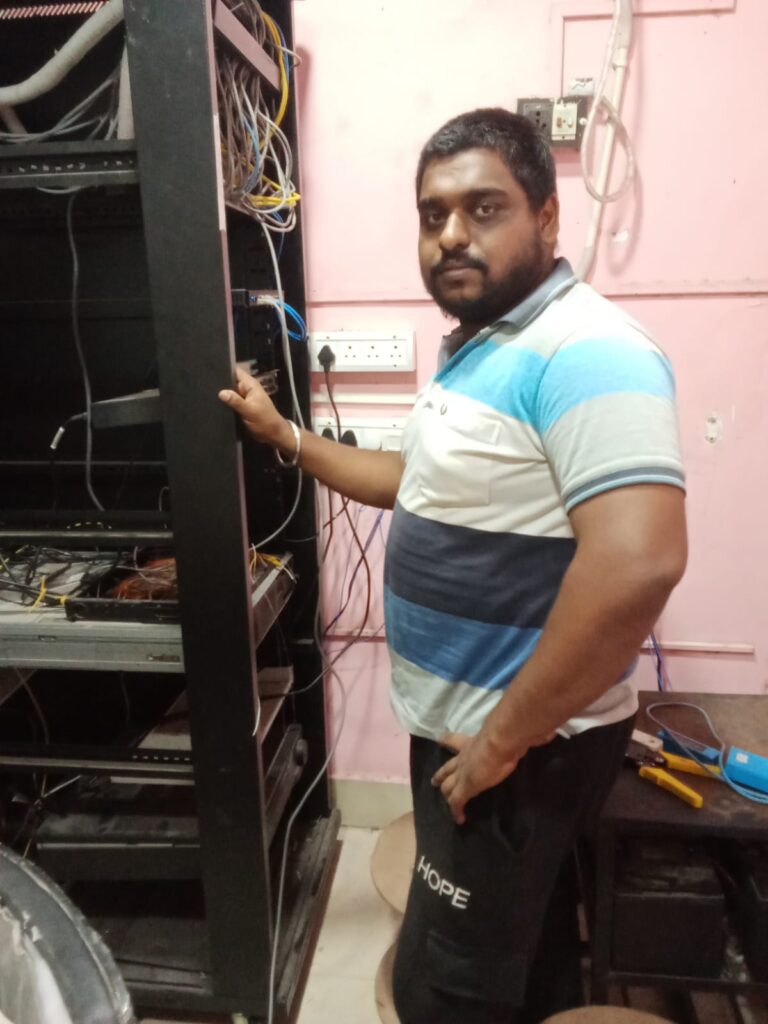
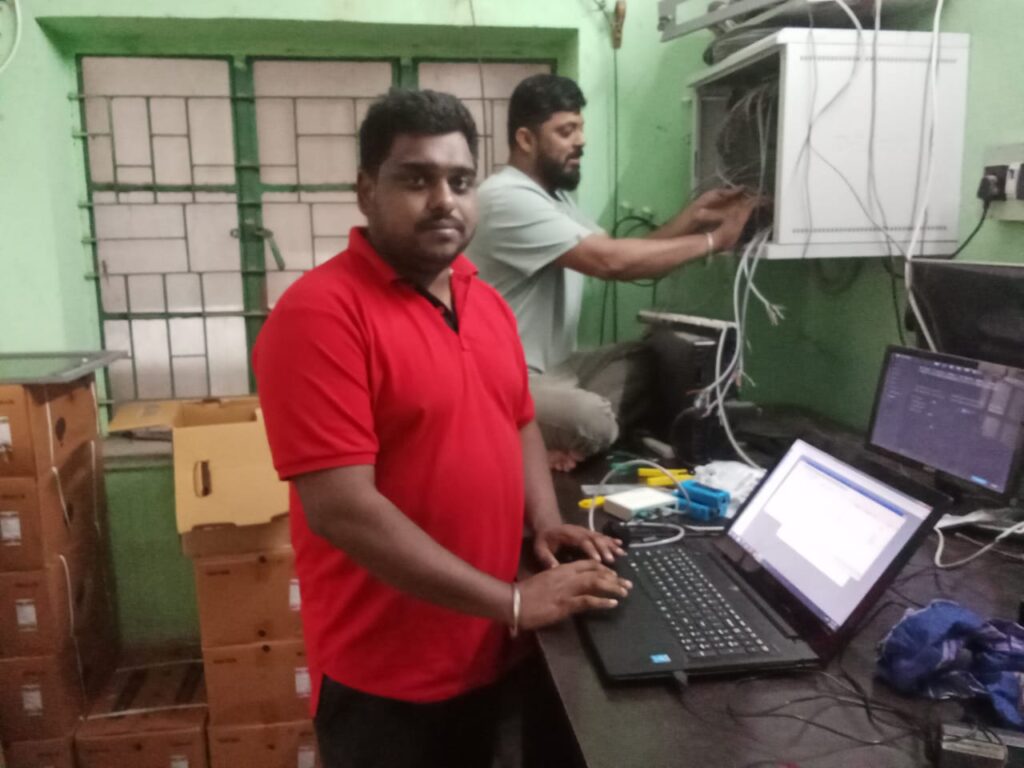
Computer Networking is the process of connecting multiple computers, servers, and devices together so they can share information, resources, and services efficiently.
A network allows businesses and individuals to:
Share files, data, and applications
Access the internet securely
Use printers, servers, and storage across multiple devices
Communicate through email, video calls, and messaging
Protect systems with firewalls and security controls
Why Do Organizations Need Computer Networking?
Computer networking is essential for any modern organization because it:
Improves Communication – Employees can easily share information through emails, chat, and video calls.
Enables File & Resource Sharing– Printers, servers, and data can be accessed from anywhere in the network.
Boosts Productivity – Fast, reliable networks reduce downtime and make teamwork smoother.
Supports Data Security– Firewalls and secure setups protect your business from cyber threats.
Scales with Growth– As your business expands, networking ensures all devices and branches stay connected.
Enables Remote Work & Cloud Access– Staff can securely access company systems from anywhere.
👉 In short, computer networking helps organizations work smarter, faster, and more securely.
Common Networking Devices and Their Uses
Router– Connects multiple networks (like your office network to the internet) and directs data to the right destination.
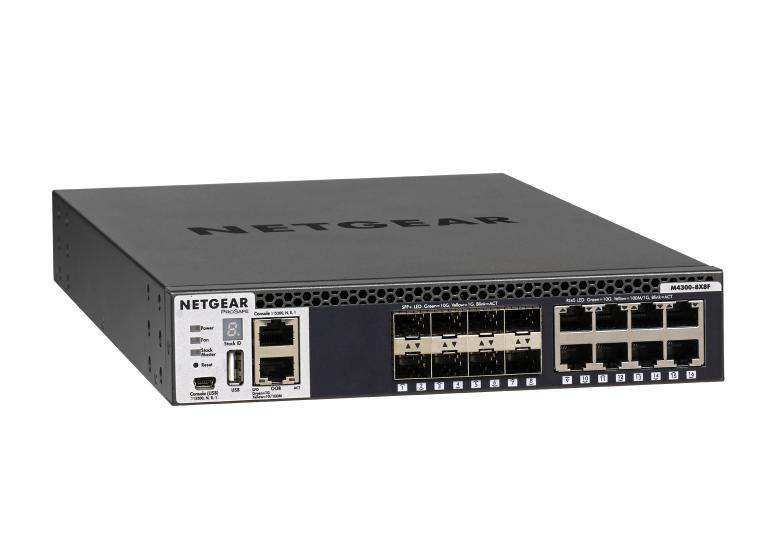
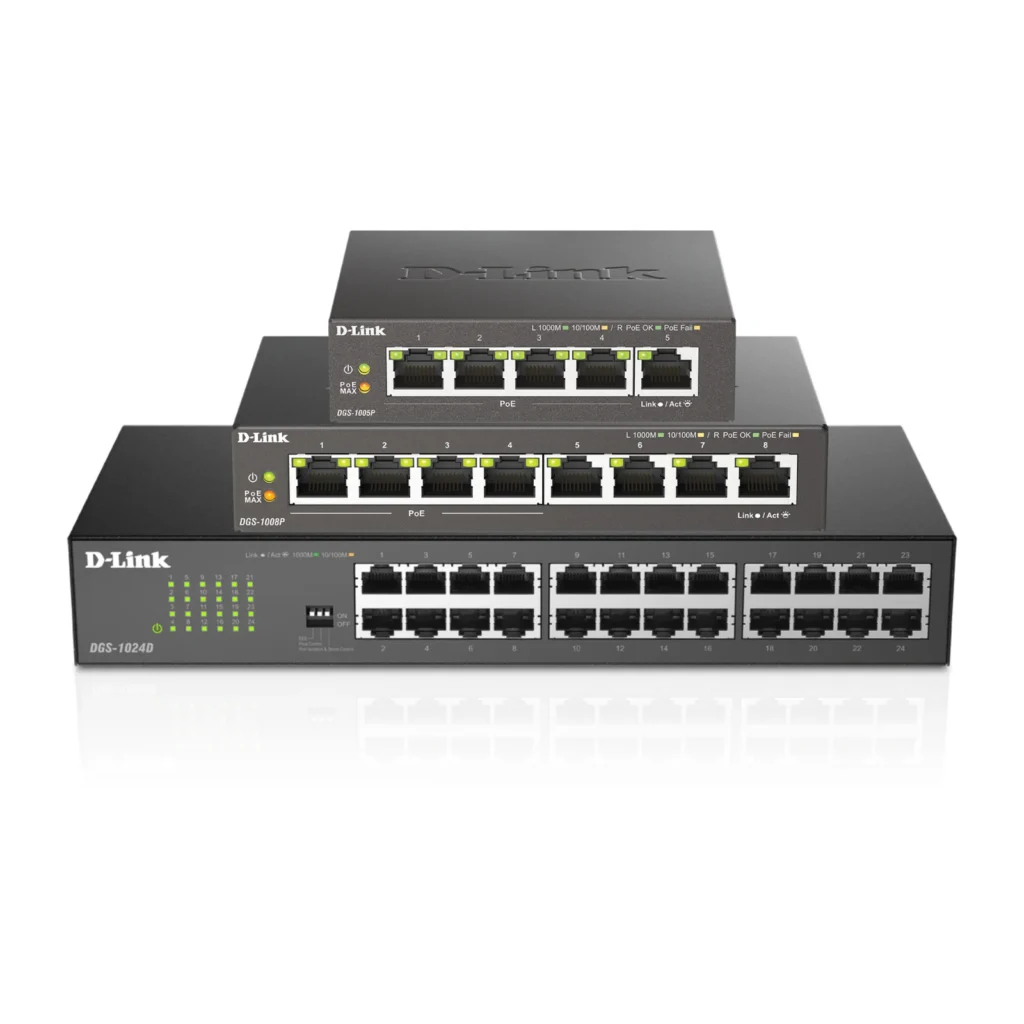
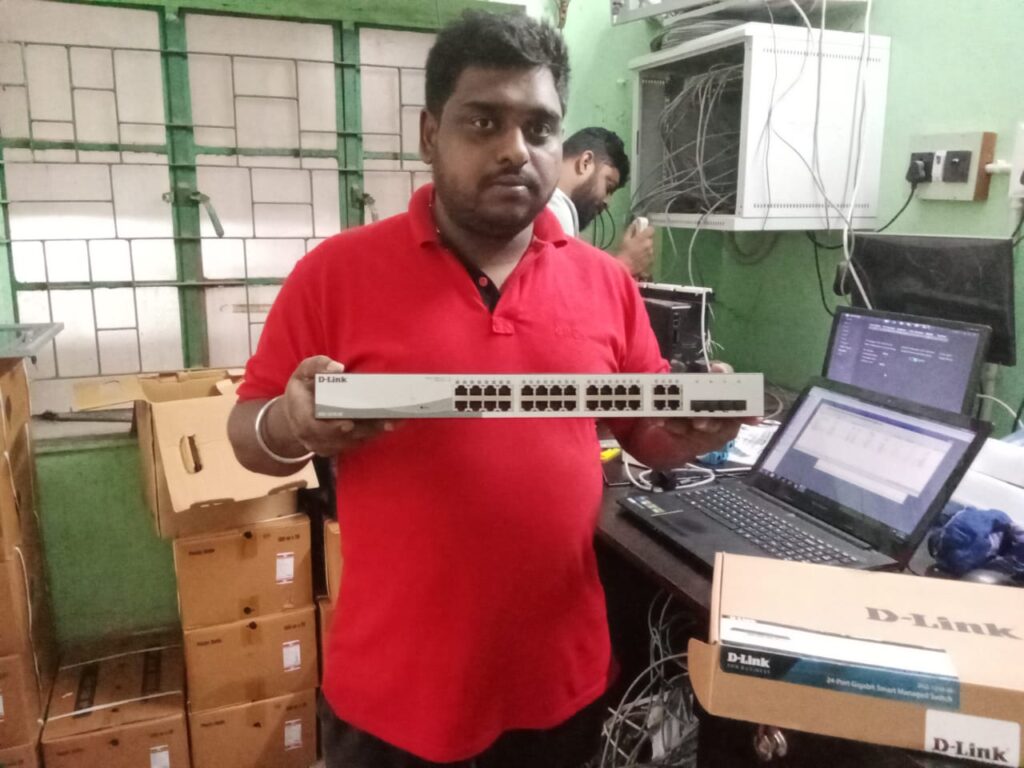
Switch – Connects multiple computers or devices within a local network (LAN) and helps them communicate efficiently.
Hub– A basic device that connects multiple computers in a network but sends data to all, not secure or efficient like a switch.
Firewall– Protects the network by monitoring and controlling incoming and outgoing traffic for security.
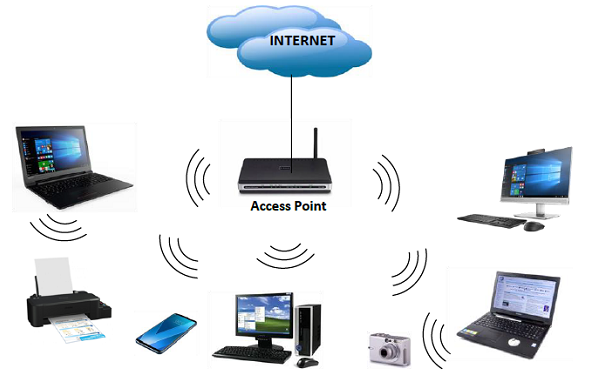
Access Point (Wi-Fi AP) – Provides wireless internet access so laptops, mobiles, and IoT devices can connect without cables.
Modem– Connects your network to the internet through your ISP (Internet Service Provider).
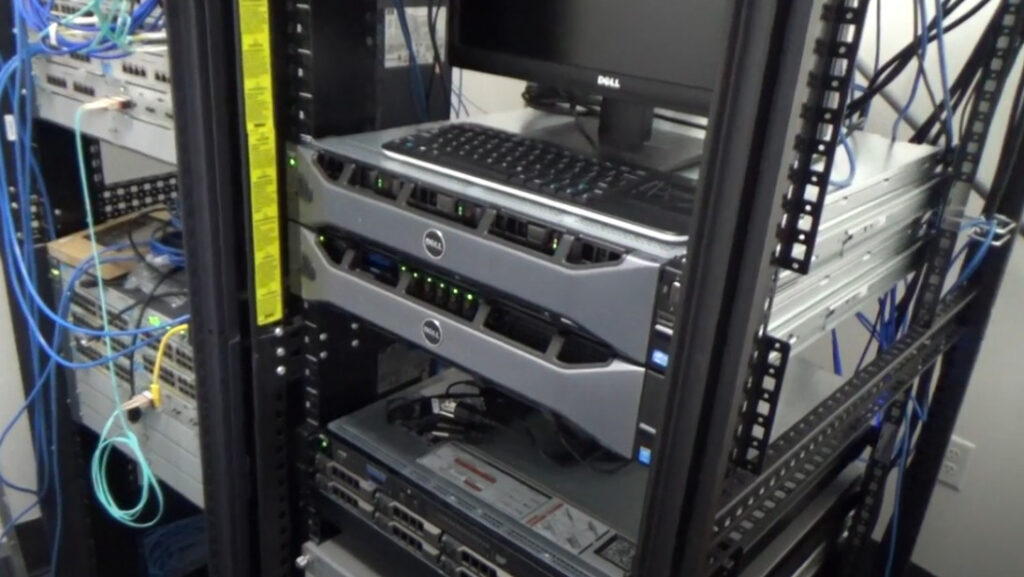
Server– A powerful computer that stores data, runs applications, and provides services to users in the network.
Network Cables (LAN Cable)– Physical wires (like Cat6/Cat7) used to connect devices for stable communication.
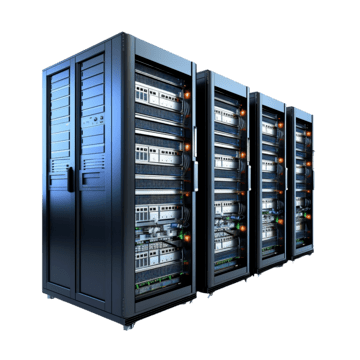
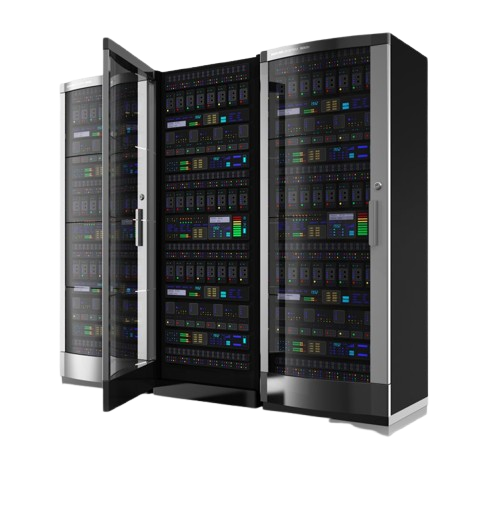
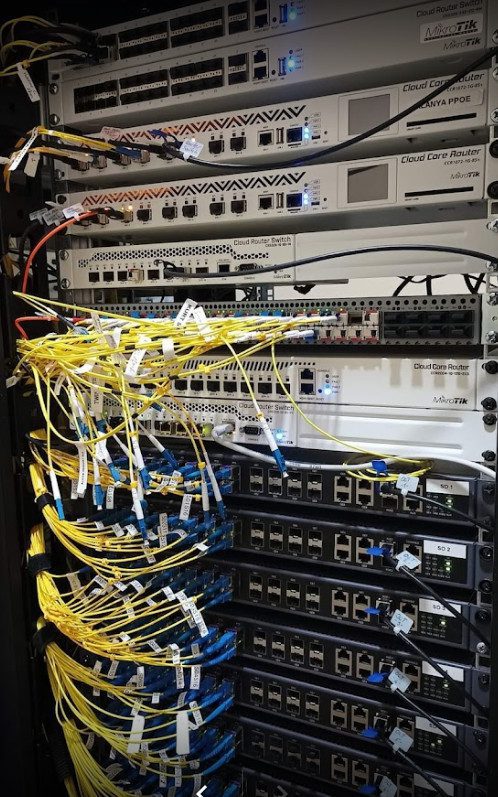
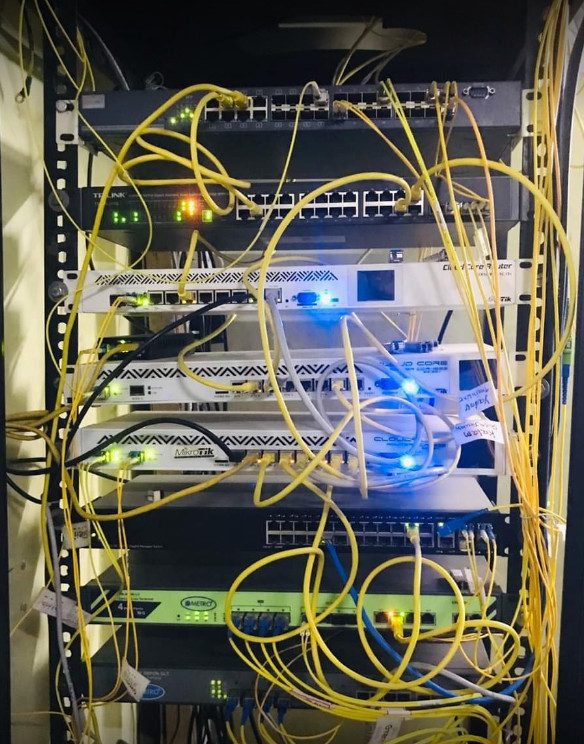
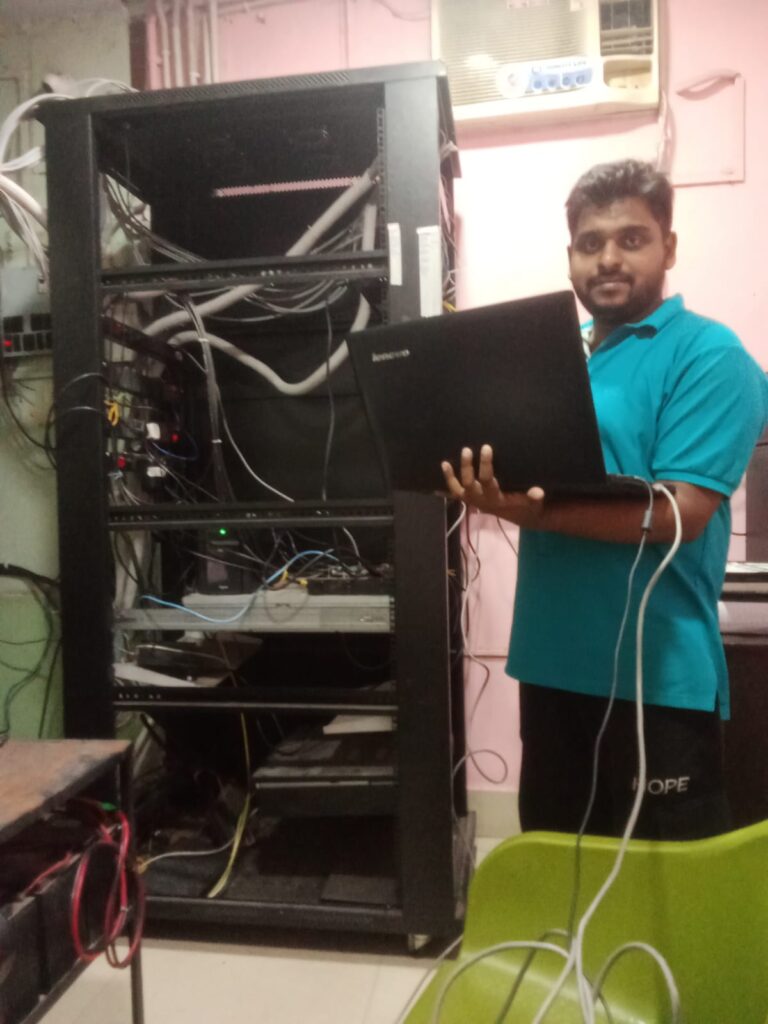
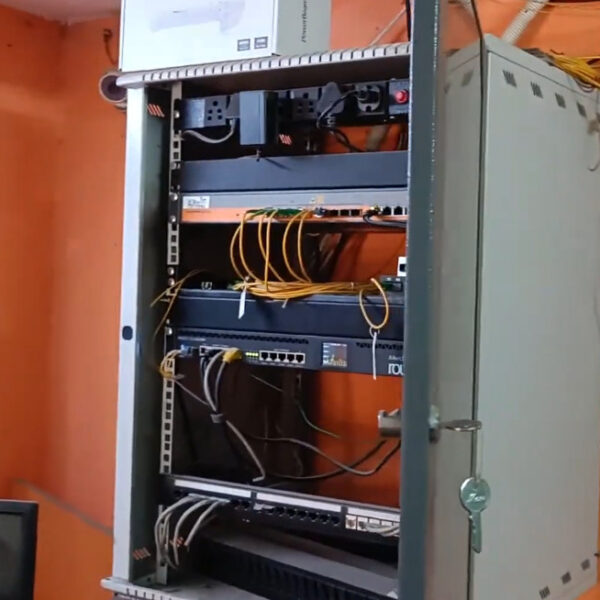
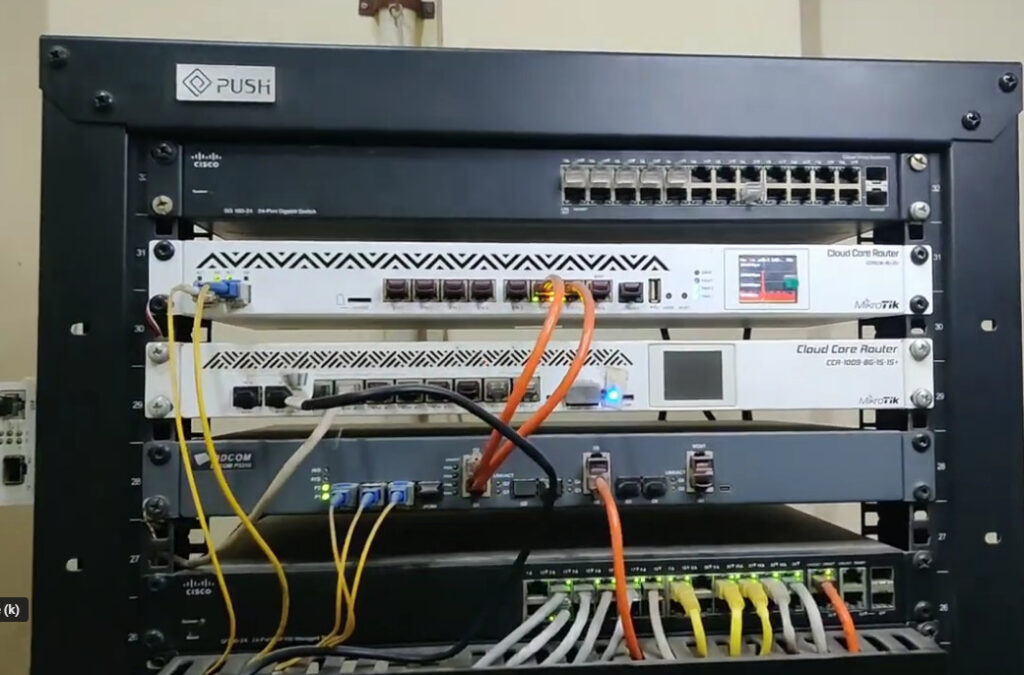
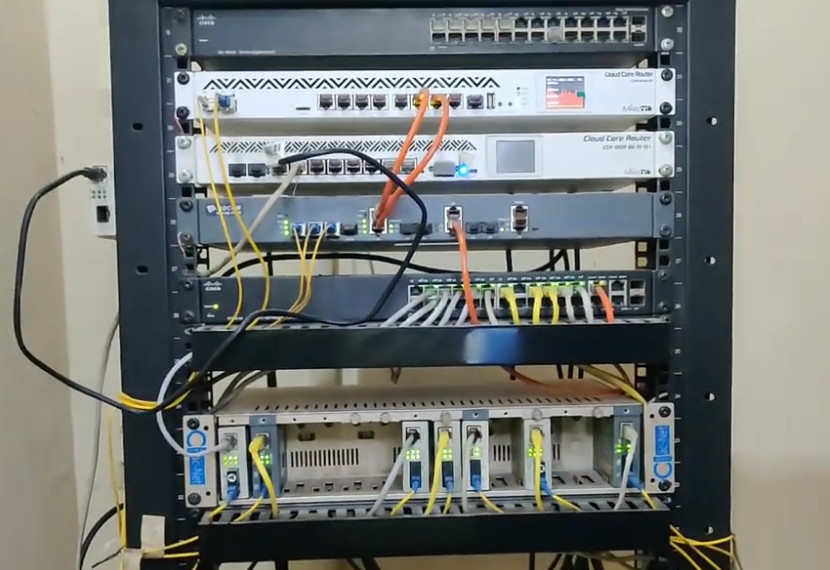
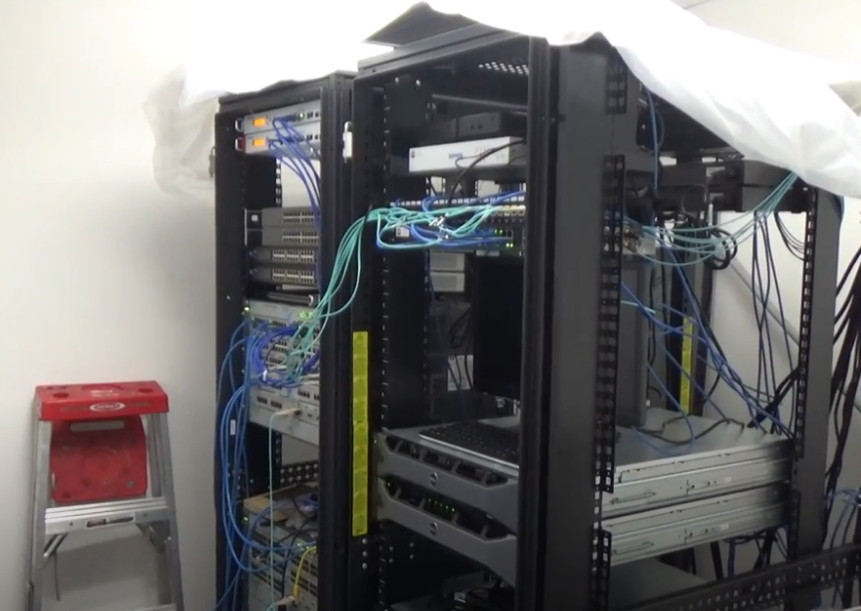
Server Rack– A cabinet that organizes and holds servers, switches, and networking devices securely.
Network Storage (NAS/SAN)– Provides centralized data storage so multiple users can access and share files easily.
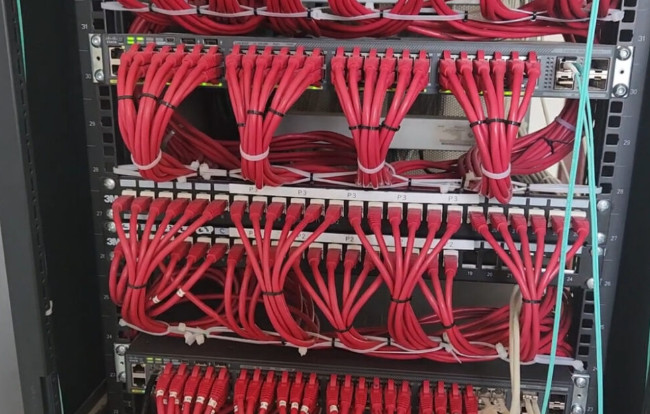
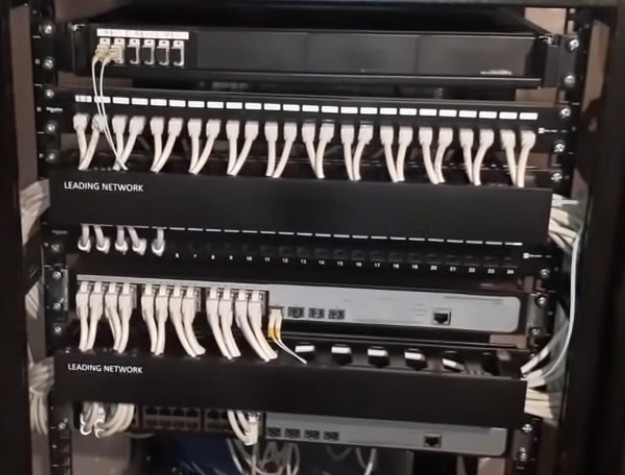
Networking Patch Panel A Patch Panel is a mounted hardware unit that organizes and connects multiple network cables in one place. It works as a central point for managing LAN connections, making it easier to connect, disconnect, or troubleshoot devices without disturbing the main cabling.
High Speed FTTH Networking (Fiber to the Home) Devices and Their Uses
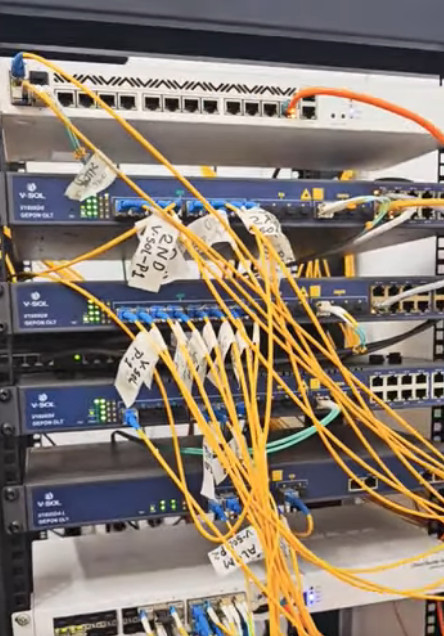
OLT (Optical Line Terminal)
Installed at the service provider’s central office.
Distributes internet/data signals to multiple users through optical fiber.
ODF (Optical Distribution Frame)
A frame or panel where fiber optic cables are connected, managed, and organized.
Ensures proper cable routing and connection safety.
Optical Splitter
Splits one fiber signal into multiple signals.
Helps share the internet connection from the OLT to many users.
Fiber Optic Cable
Special cable made of glass fibers that carry internet data as light signals.
Provides super-fast speed and stable connectivity.
ONT / ONU (Optical Network Terminal / Unit)
Installed at the customer’s home or office.
Converts fiber optic signals into internet, Wi-Fi, or LAN connection for devices.
Wi-Fi Router
Connects to the ONT and provides wireless internet access for mobile, laptop, smart TV, etc.
Patch Cord (Fiber Patch Cable)
A small fiber cable used to connect ONT, ODF, and other devices.
Splice Box / Joint Box
Protects and joins fiber cables safely when splicing is done.
Server / Headend System(Optional, at ISP side)
Manages services like IPTV, VoIP, and high-speed broadband for users.
❌ Problems Without Networking in an Organization?
If computers and devices are not networked/connected, businesses face many issues:
No File Sharing – Employees cannot share documents, data, or applications easily.
No Internet Sharing– Each computer would need a separate internet connection, which is costly and inefficient.
No Centralized Storage – Data cannot be stored in one place (server/NAS), making backup and management difficult.
Communication Issues– No internal email, chat, or video calls within the organization.
Printer & Resource Problems– Every computer would need its own printer or devices (no sharing).
Security Risks – Harder to monitor and protect systems without a centralized firewall or security system.
Low Productivity – Work becomes slower as employees manually transfer data using USB drives or external storage.
No Remote Access– Employees cannot access company data from home or outside the office.
Higher Costs – Extra devices, internet lines, and manual processes increase expenses.
Difficult Expansion – As the company grows, managing standalone computers becomes impossible.
👉 In short: Without networking, an organization becomes disconnected, less secure, less productive, and more costly.
Trusted Leading Networking Equipment Manufacturing Vendors?
Cisco Systems
Global leader in networking solutions.
Known for enterprise-grade routers, switches, firewalls, and security systems.
Juniper Networks
Specializes in high-performance networking.
Offers advanced switches, routers, and network security solutions.
Aruba Networks (by HPE)
Focused on wireless networking and mobility.
Provides enterprise Wi-Fi, access points, and cloud-managed solutions.
Ubiquiti Networks
Popular for affordable, scalable networking products.
Offers Wi-Fi access points, routers, switches, and surveillance solutions.
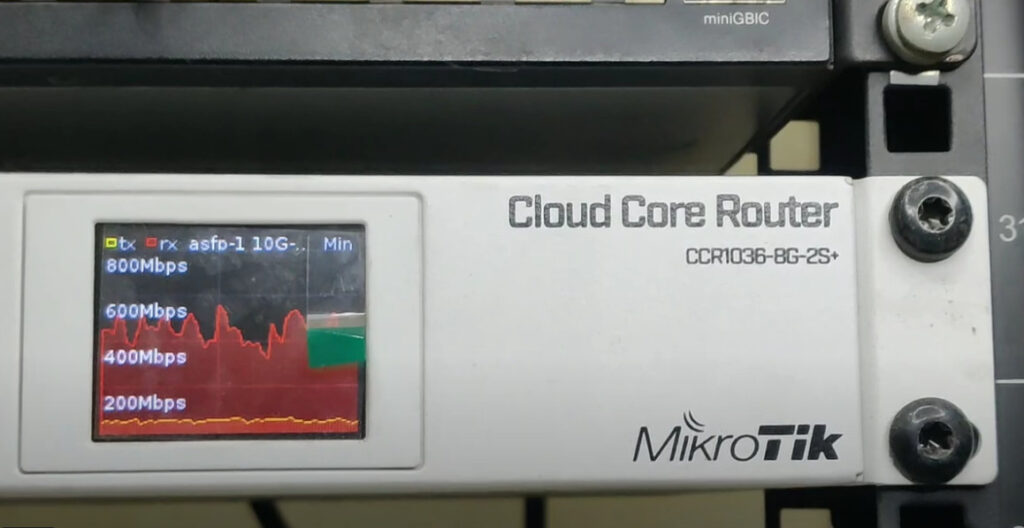
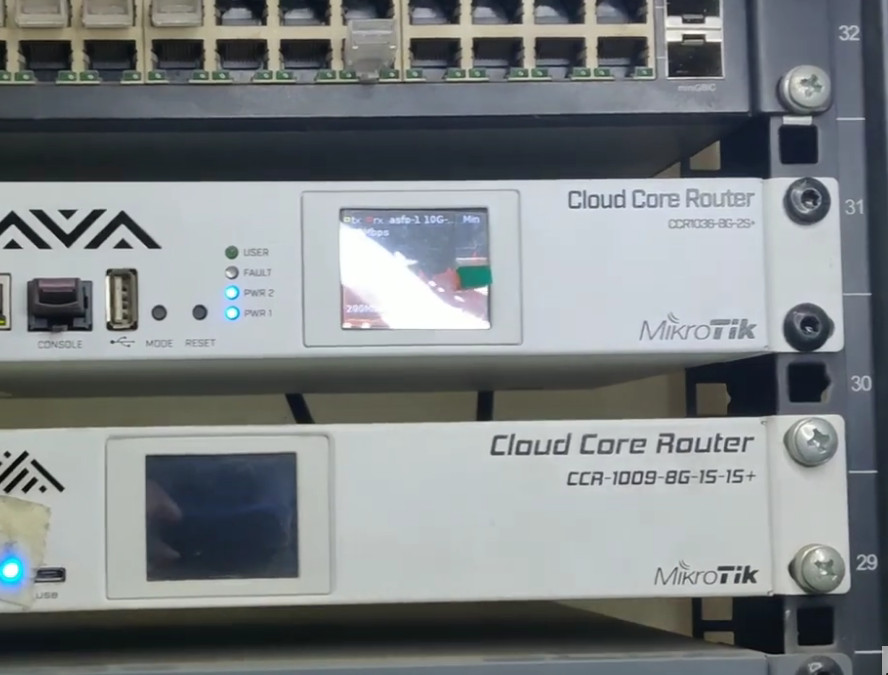
MikroTik
Known for cost-effective and customizable networking equipment.
Provides routers, switches, and wireless systems.
TP-Link
Consumer and SMB-friendly networking devices.
Offers routers, switches, Wi-Fi access points, and smart networking gear.
Netgear
Provides home and business networking solutions.
Specializes in Wi-Fi systems, switches, and security appliances.
Fortinet
Leader in network security solutions.
Provides firewalls, VPNs, and secure networking products.
Huawei
Offers a wide range of telecom and enterprise networking devices.
Provides routers, switches, and optical network solutions.
D-Link
Known for budget-friendly networking solutions.
Offers routers, access points, switches, and CCTV systems.
Where We Deploy Networking Solutions
Networking Deployment Areas
We design and deploy networking solutions across a wide range of environments to ensure fast, secure, and reliable connectivity wherever your business needs it.
Where We Deploy Networking Solutions?
Offices & Corporate Buildings – Seamless communication, file sharing, and secure internet access.
Educational Institutions (Schools, Colleges, Universities) – Reliable networks for smart classrooms, labs, and campus Wi-Fi.
Hospitals & Healthcare Facilities – Secure data sharing, digital records access, and connected medical devices.
Retail & Shopping Malls – Strong Wi-Fi for customers, POS systems, and security cameras.
Factories & Industries – Rugged networking for automation systems, IoT, and production monitoring.
Hotels & Hospitality – High-speed Wi-Fi for guests and reliable backend connectivity.
Government & Public Sector – Secure and scalable infrastructure for administrative networks.
Data Centers – High-performance cabling, racks, and switches for mission-critical operations.
Why It Matters?
Proper network deployment ensures:
Faster communication and collaboration
Secure and centralized data management
Easy scalability for future growth
Reliable performance with minimum downtime
👉 In short,we deploy networking wherever connectivity matters most for your business success.
Manage DATA Switch
Advanced switch with full control and configuration options.
Allows monitoring, traffic prioritization (QoS), VLAN setup, and security features.
Ideal for medium to large businesses where performance and security are critical.
Benefits: High security, better performance, easy scalability. availability, and large-scale data handling.
Unmanage DATA Switch
A simple, plug-and-play device.
Automatically connects devices in a network without configuration.
Best for small offices, shops, or home use.
Limitations: No monitoring, no traffic control, less secure.
Manage PoE Switch
Advanced switch that provides data + power + full management control.
Allows you to monitor traffic, configure VLANs, prioritize data (QoS), and set PoE budgets per port.
Ideal for businesses, enterprises, and surveillance networks where security, performance, and scalability are important.
Benefits: High security, remote management, energy efficiency, and easy troubleshooting.
Unmanage PoE Switch
Simple plug-and-play device that provides both data and power to devices (like IP cameras, Wi-Fi access points, VoIP phones).
No configuration or monitoring needed.
Best for small offices, shops, or home use where only basic connectivity and PoE power are required.
Limitations: No control over traffic, less secure, not scalable.
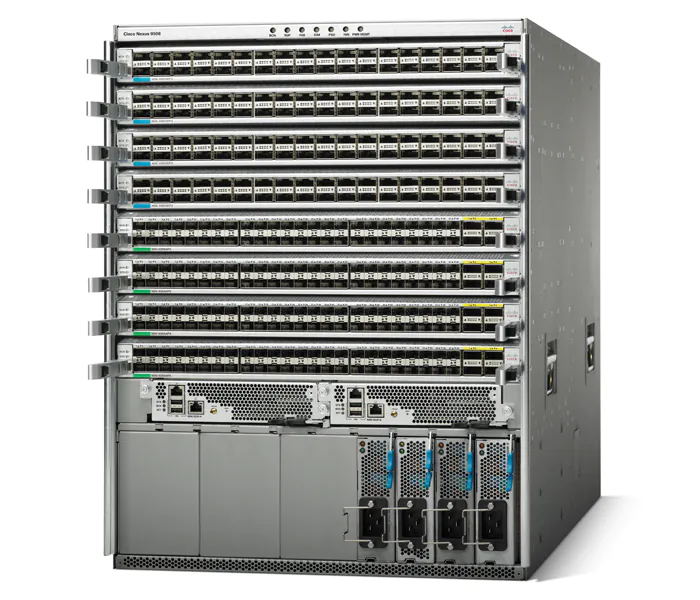
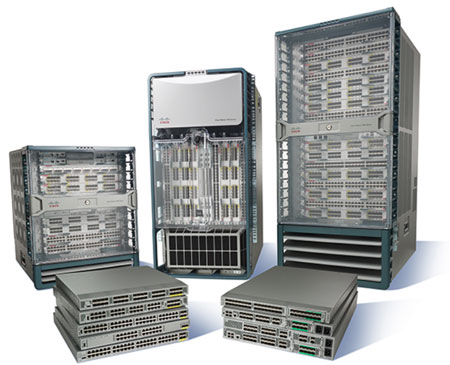
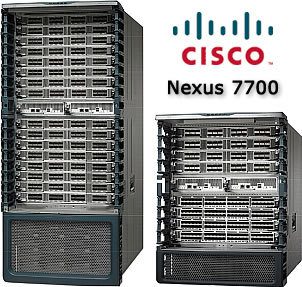
High End Datacenter Nexus Switches
What is a Nexus Switch?
A Nexus Switch is a high-performance network switch series developed by Cisco. It is mainly used in data centers and enterprise networks where speed, scalability, and reliability are critical.
🚀 Why Use a Nexus Switch?
High Speed & Performance – Supports very high data transfer rates (10G, 25G, 40G, 100G+).
Scalability – Designed to handle thousands of servers and virtual machines in large networks.
Low Latency – Ensures fast communication, ideal for cloud computing and big data applications.
Advanced Features – Supports automation, virtualization, and software-defined networking (SDN).
High Reliability – Built with redundancy and failover to ensure zero downtime.
Data Center Ready – Optimized for storage, cloud, and high-demand enterprise workloads.
👉 In short, a Nexus Switch is used when organizations need powerful, reliable, and future-ready networking for large-scale data centers or enterprises.
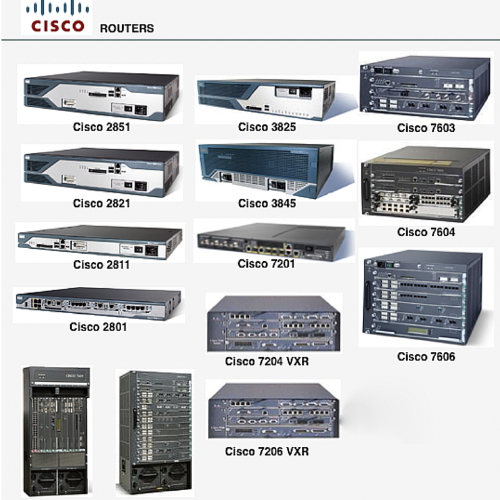
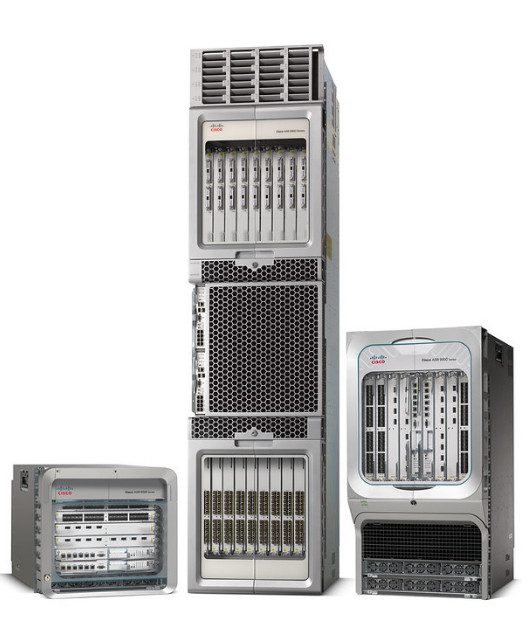
High End ASR Routers
A Router is a networking device that connects multiple networks together (for example, your office/home network to the internet). It directs data packets to the correct destination, ensuring fast, secure, and reliable communication between devices.
🔹 Types of Routers
Wired Router
Connects devices using Ethernet cables.
Provides fast and stable connections, mostly used in offices and data centers.
Wireless Router (Wi-Fi Router)
Provides internet access without cables.
Common in homes, offices, and public places for laptops, mobiles, and smart devices.
Core Router
Used by large organizations and ISPs.
Handles heavy network traffic inside the backbone of the internet.
Edge Router
Sits at the boundary of a network and connects to external networks/ISPs.
Ensures secure and optimized data transfer between private and public networks.
Virtual Router
Software-based router running on virtual machines.
Flexible and scalable, used in cloud networking.
VPN Router
Provides encrypted, secure connections for remote workers.
Common in businesses needing secure remote access.
FTTH Fiber Network
Fiber To The Home FTTH Network
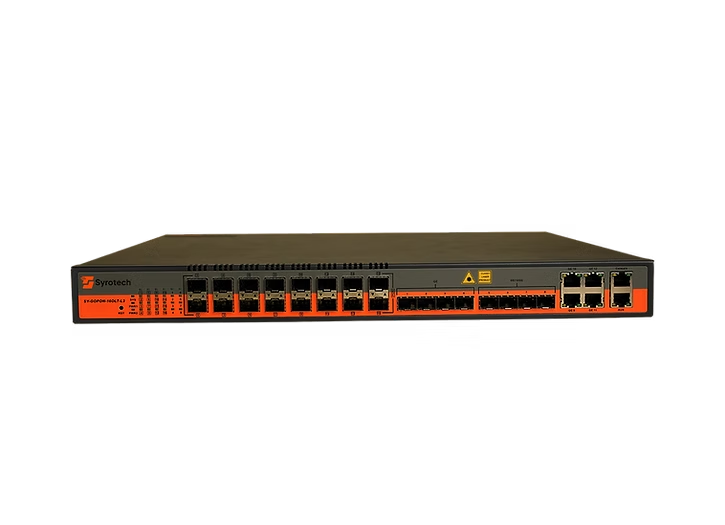
OLT (Optical Line Terminal)
Located at the service provider’s central office.
Acts as the main controller of the FTTH network.
Distributes internet/data services through optical fiber to multiple customers.
Manages bandwidth, signal transmission, and overall network performance.
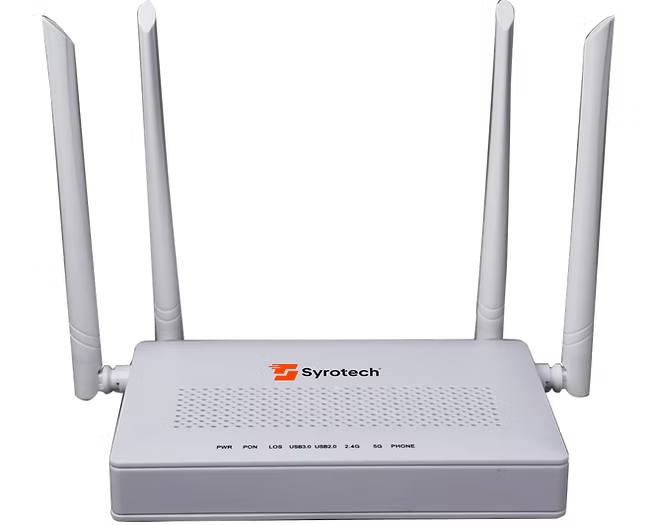
ONU / ONT (Optical Network Unit / Terminal)
Installed at the customer’s home or office.
Converts the fiber optic signal from the OLT into usable internet, voice, or TV services.
Provides LAN ports and Wi-Fi for connecting computers, mobiles, smart TVs, and other devices.
Ensures fast, stable, and secure internet access.
Server Rack & Cabling Solutions
We provide end-to-end Server Rack and Structured Cabling Services to build a strong, organized, and reliable IT infrastructure for your business.
🔹 Our Services Include:
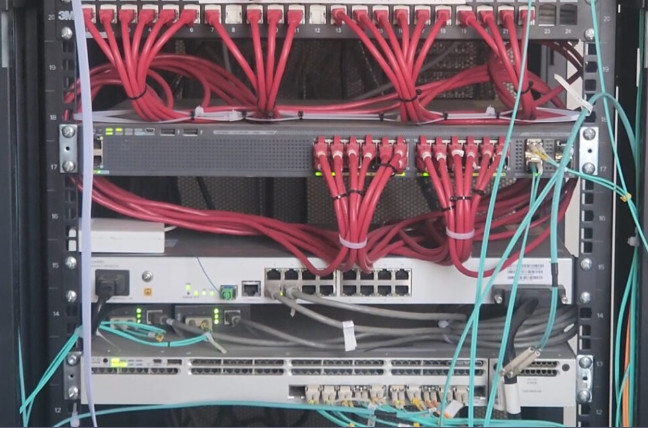
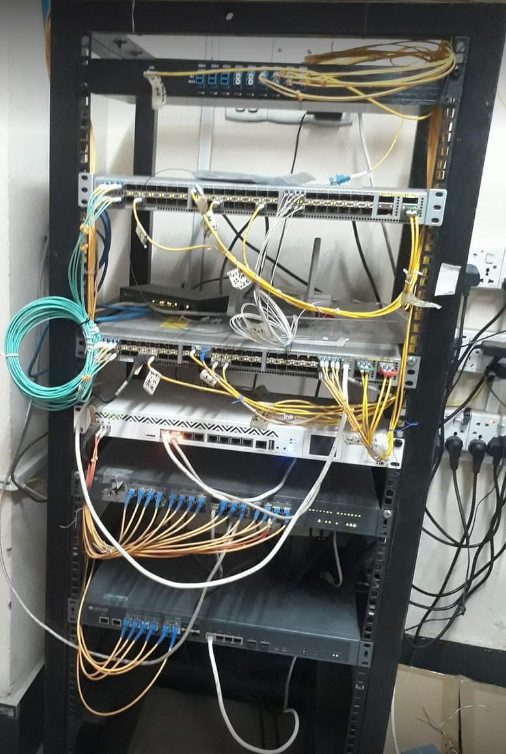
Server Rack Installation – Neat and secure setup for servers, switches, and networking devices.
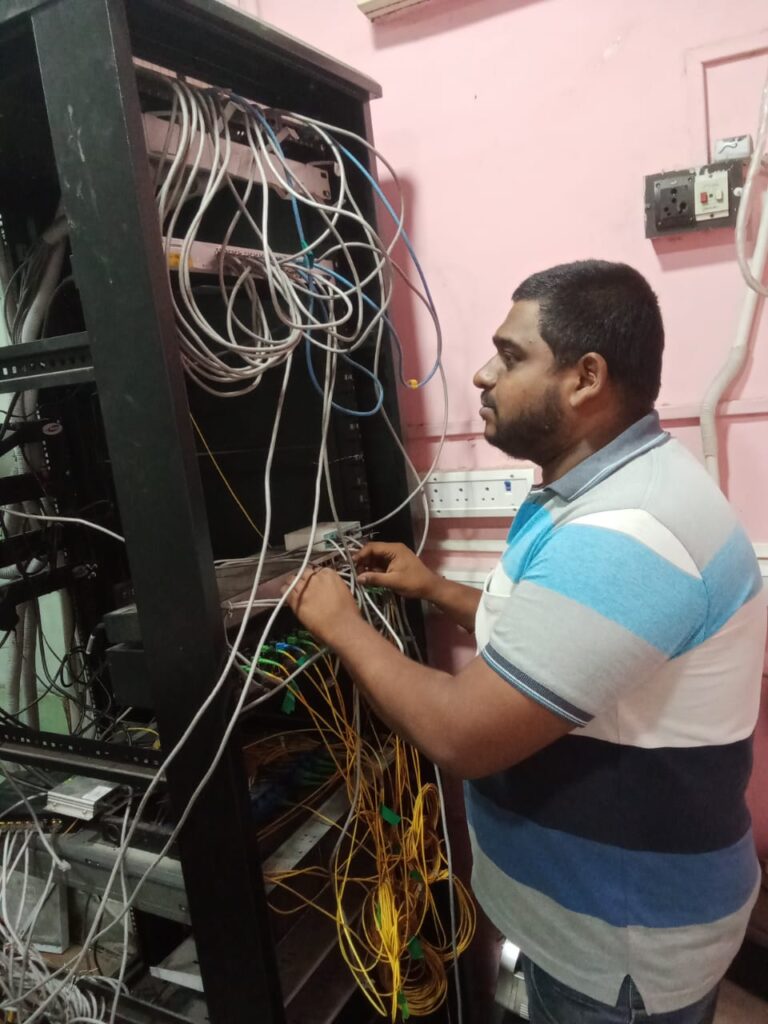
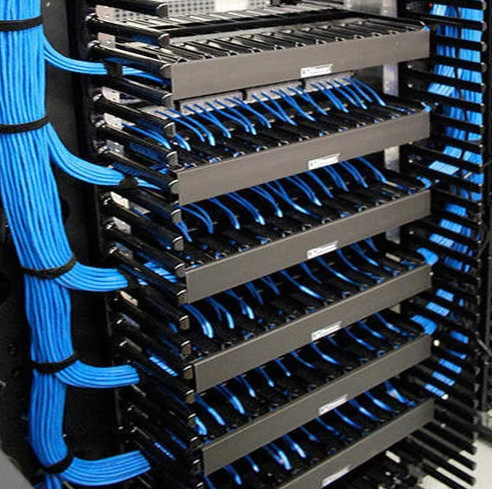
Structured Cabling – High-quality copper & fiber cabling for fast, stable, and future-ready connectivity.
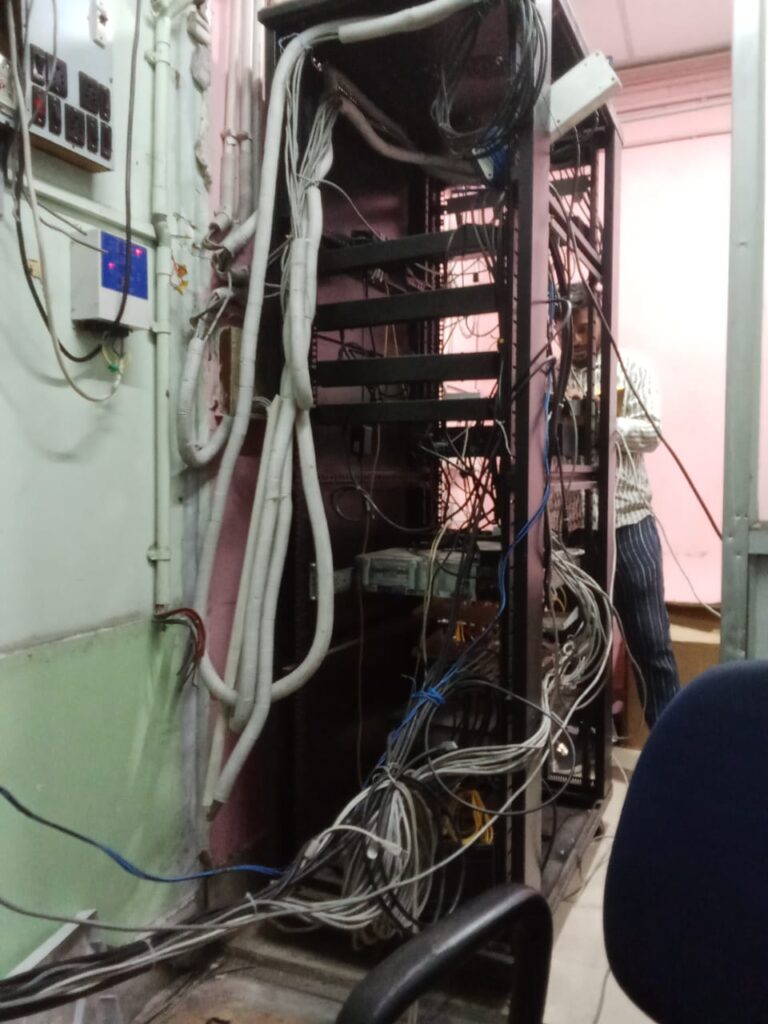
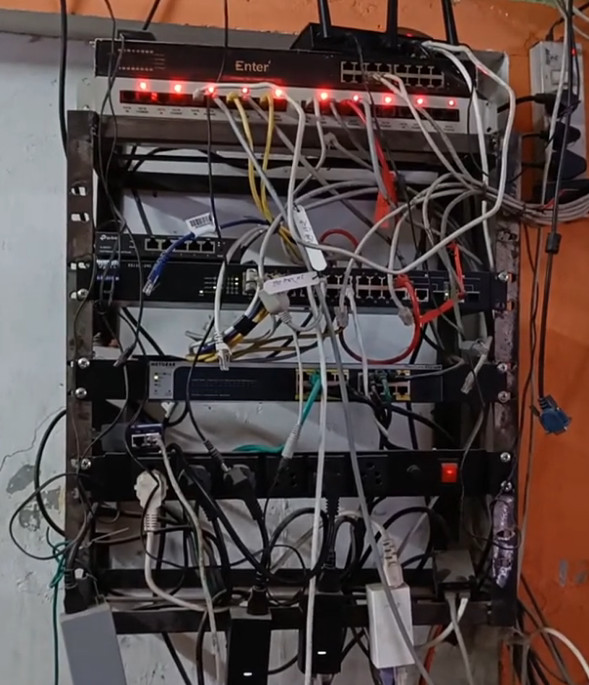
Cable Management – Professional labeling and routing to keep your network organized and easy to maintain.
Why Choose Us?
Expert team with proven experience
Clean, professional, and future-proof installations
Reduced downtime and easy troubleshooting
Scalable designs to support business growth
👉 A well-structured Server Rack & Cabling system not only improves performance but also makes your IT environment secure, efficient, and ready for the future.
Wireless Network Solution
We deliver fast, secure, and reliable wireless networking solutions to keep your business connected anytime, anywhere. Whether it’s a small office, a large campus, or multiple locations, our wireless services ensure seamless connectivity with zero interruptions.
🔹 Our Wireless Services:
Wi-Fi Access Point Installation – Strong coverage with enterprise-grade access points.
Wireless LAN Solutions – Secure and scalable wireless networks for offices, schools, and industries.
Point-to-Point & Point-to-Multipoint Links – High-speed wireless bridges for connecting buildings and remote sites.
Guest Wi-Fi Solutions – Safe and separate internet access for visitors without compromising business security.
Wireless Security & Monitoring – Protect your Wi-Fi network from unauthorized access.
✅ Why Choose Us?
High-speed and reliable connectivity
Secure, scalable, and future-ready wireless design
Expert installation and ongoing support
Customized solutions for every business size
Low Letency High Speed Backbone Core Networking Solution Up To 100 Gig - 400 Gig
Deployment Enterprise & Service Provider Network
Local ISP SETUP
Switching
Mikrotik ISP Router
consult now
For more information about Networking or to install a Router, Switch, Firewall,etc in your company, contact us now by calling or emailing us by pressing the button below. We are ready to help you.